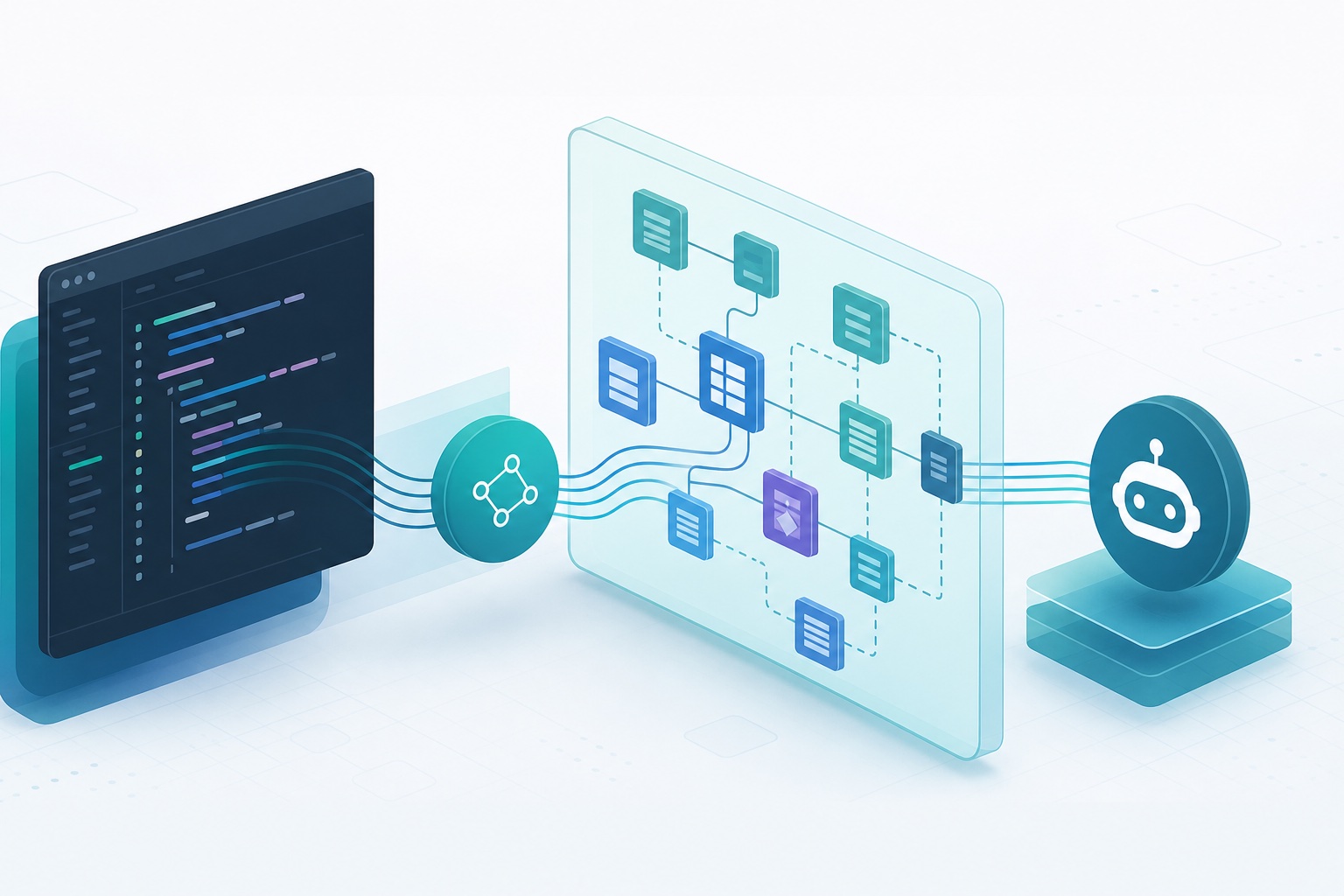
The AL LSP Server: Giving AI Agents a Semantic Model of AL Code
What Shipped
ALTool — the command-line tool used to compile and package AL extensions — can now launch a full Language Server Protocol server through a launchlspserver command. It speaks JSON-RPC over stdio, and Microsoft’s framing is that it delivers the same grounded semantic understanding a developer gets inside Visual Studio Code, without the editor itself. The documented feature set is the full one: hover, go-to-definition, completions, find-references (including across projects), document symbols, rename, formatting, inlay hints, folding ranges, and type hierarchy.
The framing in Microsoft’s own documentation is worth reading carefully, because it positions this as one of three distinct surfaces for AI agents working on AL, not as a single feature:
| Surface | Invocation | Intended for |
|---|---|---|
| Visual Studio Code Language Model Tools | registered with the VS Code Language Model Tools API | developers working interactively in the editor |
| AL MCP Server | launchmcpserver |
headless environments, CI/CD pipelines, agents running outside VS Code |
| AL LSP Server | launchlspserver |
agents and editors needing continuous code navigation |
The distinction Microsoft draws between the MCP and LSP surfaces is between discrete actions and continuous intelligence. The MCP tools do things: build, compile, publish, search symbols, fetch diagnostics. The LSP server answers questions about structure, continuously, for as long as the process lives. The documentation’s own guidance is that the LSP server is the better choice when an agent needs to navigate and understand AL code structurally rather than perform predefined tasks.
Why Not Just Use grep
The documentation makes an unusually direct argument here, and it is the most quotable part of the page. A regular expression matches characters. It cannot distinguish a procedure declaration from a comment that happens to mention the procedure’s name. It cannot separate a Customer record reference from the word Customer sitting inside a message string. It has no way to know that two textually identical names in different namespaces refer to different symbols.
A language server does know those things, because it holds scopes, types, accessibility and inter-module relationships. Microsoft’s stated consequence is twofold: agents that navigate through LSP make fewer mistakes, and they need less context — because an agent querying symbolically doesn’t have to read files exhaustively to compensate for a search tool that can’t reason.
That second half is the part worth dwelling on. A coding agent turned loose on a large codebase will burn its context window reading whole files to establish facts a symbol table already holds. Reframing navigation as a query against a semantic model rather than a text sweep attacks that directly. It is the same economics that make AL symbols worth downloading offline from an artifact rather than resolving them ad hoc — precomputed structure beats repeated discovery.
Where It Earns Its Keep: Multi-Project Workspaces
Real AL workspaces rarely contain one project. A base app plus its test app, or a vertical plus a stack of extensions, is the normal shape. That is precisely where text search degrades and where the documentation locates the payoff.
al launchlspserver [<projects>...] [options]The projects argument is a space-separated list of AL project folder paths, each wrapped in double quotes. When more than one project is supplied, ALTool reads each project’s app.json and resolves the dependencies between them — including internalsVisibleTo and propagateDependencies relationships — so that find-references and other cross-project requests span every supplied project.
There is a documented fallback with a real consequence attached. If <projects> is omitted, ALTool scans the rootUri from the LSP initialize request instead. The documentation states plainly that this fallback suits a single-project workspace but doesn’t enable cross-project resolution. So an agent that launches the server with no positional arguments in a multi-project repository gets a server that starts cleanly and silently under-reports references. That is the kind of failure worth knowing about in advance, because nothing in the documented behaviour suggests it announces itself.
A .code-workspace file is the alternative source of project folders, via --workspacefile, and those folders merge with the positional arguments rather than replacing them.
A Note on al Versus altool
Both spellings appear in the documentation and they are not interchangeable by accident. altool.exe is the binary shipped inside the Visual Studio Code AL extension, living in a bin folder under the extension directory. al is the alias provided by installing the AL Development Tools package as a NuGet package:
dotnet tool install --global Microsoft.Dynamics.BusinessCentral.Development.ToolsMicrosoft describes that route as ideal for CI/CD pipelines and automated environments where a full Visual Studio Code installation isn’t needed. The examples on the ALTool page assume the alias; without the package, substitute the full path to altool.exe. The AI agent tools overview page writes the same commands as altool launchlspserver. Same command, two front doors.
The Configuration Layering Is the Non-Obvious Part
The option list is unremarkable — --packagecachepath, --assemblyprobingpaths, --ruleset, --settingspath, --workspacefile, plus logging flags. What deserves attention is how those sources resolve against each other, because getting the direction backwards produces settings that appear to be applied and aren’t.
Microsoft specifies the precedence from least to most authoritative:
- CLI flags
--workspacefileinline settings--settingspathfile- autodiscovered
.vscode/settings.json - LSP
initializationOptions
Note where the command-line flags land: at the bottom. That inverts the intuition most CLI tools train. A flag passed explicitly on the command line is the weakest signal in this hierarchy, and an initializationOptions key sent by the LSP client at handshake time overrides everything. For anyone wiring an agent host to this server, that means the client’s own initialization payload is the real control surface, not the spawn arguments.
The recognized al.* keys are packageCachePath, assemblyProbingPaths, ruleSetPath, enableCodeAnalysis, and codeAnalyzers. JSONC features — // comments and trailing commas — are tolerated, to match the Visual Studio Code parser rather than a strict JSON reader.
When --settingspath is omitted, ALTool autodiscovers <rootUri>/.vscode/settings.json from the initialize request and walks ancestors to find it.
Symbols Are a Hard Prerequisite
ALTool validates its inputs at startup, and one of those validations is not negotiable: a package cache must be reachable, because the .app symbol packages — System.app, BaseApp.app and friends — are required for AL LSP to provide full language intelligence. --packagecachepath is only optional in the sense that al.packageCachePath can arrive via --settingspath or --workspacefile instead. The symbols themselves are mandatory.
There is a softer check too. When assemblyProbingPaths and ruleSetPath are both empty, ALTool emits a warning rather than failing, because compilation can still break on projects that reference .NET add-ins or depend on analyzer rulesets. A warning at startup on a headless agent run is easy to lose, which makes it worth capturing deliberately.
On that note, diagnostics go to the log file specified by --logfile and are mirrored to stderr, which an LSP host typically surfaces in its own diagnostic stream. The documented default log path is ~/.al-mcp/almcp.log — an MCP-flavoured path for an LSP server, which reads like shared plumbing between the two commands rather than anything meaningful about the feature.
How This Sits Next to the Debugging Surface
It is easy to file every AI-adjacent BC announcement into one bucket. These are genuinely different tools operating on different objects.
The Troubleshooting MCP Server for AL debugging works on runtime state: it activates only while a debug session is paused, and reads live call stacks and variables at that pause point. The LSP server works on static structure: the symbol graph of a workspace, available whether or not anything is running. One tells an agent what a specific execution actually did; the other tells it what the code means. An agent chasing a defect plausibly wants both, at different moments.
A third command, launchprofilingmcpproxy, sits in a different place again — it connects outward to a running Business Central environment and exposes the platform’s scheduled performance profiler, loading no AL project at all. The documentation marks that one as available in preview with a prerelease of runtime 18 and Business Central Server version 29, so it is not on the same maturity footing as the other two. Version applicability is worth checking per feature here rather than assuming a single release gate: the AI agent tools are documented as applying to AL Language extension 17.0 and later, while ALTool’s workspace commands carry a Business Central 2026 release wave 1 and later scope.
What This Actually Changes
The interesting shift is architectural rather than feature-level. Until now, an autonomous agent working on AL code either drove Visual Studio Code or worked blind — reading text and inferring structure. Exposing the language server as a standalone process removes the editor from the dependency chain without removing the intelligence. Any LSP-capable host can now consume a real AL semantic model.
That is a prerequisite for a category of workflow rather than a workflow itself. Accurate cross-project rename, reference-complete refactoring, and answering structural questions about an unfamiliar extension all become tractable in a way that grep never made them. Whether the accuracy gain shows up in practice depends on whether agent hosts wire the initialization payload correctly, whether symbols are present, and whether the positional-projects trap gets avoided — all of which are configuration problems, and all of which are documented.
The broader pattern is one worth naming: the useful AI tooling in the ERP space is increasingly not the model, but the interface that gives the model grounded facts to work from. That is the same reason building with AI tools beats chasing them — the leverage is in the plumbing, and here Microsoft shipped the plumbing.
Primary source: ALTool — AL LSP and AI agent tools for AL development on Microsoft Learn.